

WhatsApp API Webhooks: Setup, Events & Integration Guide
A WhatsApp webhook is the mechanism your backend uses to receive real-time events - incoming messages, delivery and read status, interactive responses - instead of repeatedly polling the API for updates. Getting webhooks right is what makes a WhatsApp integration actually feel real-time.
This page is specifically about webhook implementation: endpoint setup, verification, event types, payload structure, security, retries, idempotency and troubleshooting. For the broader integration picture, see WhatsApp API Integration, and for what the product does overall, see WhatsApp Business API.
On this page:
Webhook architecture, prerequisites and verification
Event types, payload structure and security best practices
Idempotency, retries, queue-based processing and routing to your systems
Troubleshooting, testing, production checklist and FAQs
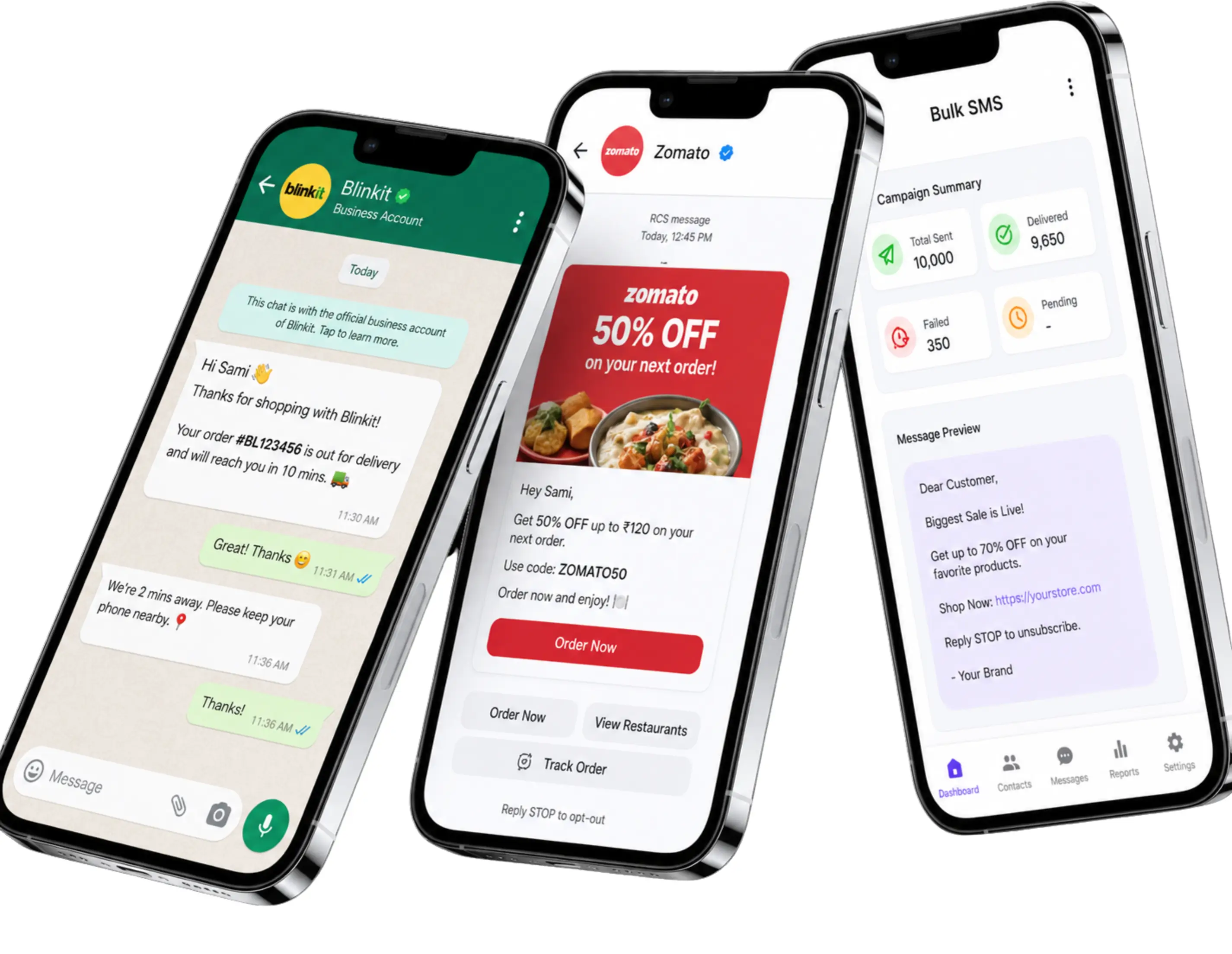
What Is A WhatsApp Webhook?
A WhatsApp webhook is an HTTPS endpoint your application exposes to receive event notifications pushed from the platform - a customer's reply, or a status update for a message you sent - as an HTTP request the moment the event occurs.
Why WhatsApp APIs Use Webhooks
Without a webhook, your application would need to repeatedly ask the API "has anything changed?" - wasteful at any real volume, and always a little behind. A webhook pushes the event to you instead, which is faster, more efficient, and the standard pattern for real-time messaging integrations.
Webhook Architecture
WhatsAppWebhook EndpointYour BackendEvent ProcessorDatabase / CRM / Dashboard
The endpoint's job is narrow: accept the event quickly and hand it off. What happens after - updating a CRM record, triggering a chatbot reply, logging analytics - is your event processor's responsibility, ideally decoupled from the webhook call itself.
What You Need For Webhook Integration
HTTPS Endpoint
A publicly reachable HTTPS URL your backend controls, ready to accept POST requests - webhooks are not delivered to plain HTTP or unreachable endpoints.
Webhook Verification
The endpoint needs to respond correctly to your platform's webhook verification step before events start flowing to it - configured once from your dashboard.
API Credentials
The same account and API key used for sending messages, since webhooks are tied to your account configuration.
A Place to Store Events
A database or event log to persist incoming events, since a webhook call is often the only notification you get for a given status change.
Webhook Event Handling
Events generally fall into a few categories your handler needs to branch on:
Incoming Messages
A customer's reply, or a message they send to start a conversation.
Message Status
Sent, delivered, read and failed status updates for messages you sent.
Interactive Responses
A button tap or list selection from an interactive message.
Media-Related Events
Notifications tied to media messages a customer has sent or received.
Webhook Payload Structure
A message status event - documented and consistent across channels:
{
  "message_id": "wa_9f1c2e",
  "channel": "whatsapp",
  "status": "delivered",
  "timestamp": "2026-09-21T10:42:00Z"
}
Conceptual example - an incoming message event. Field names for inbound events depend on your account's webhook schema; verify the exact structure with your account team before writing production parsing logic against it:
// Conceptual - illustrative only
{
  "event": "message.received",
  "channel": "whatsapp",
  "from": "+91XXXXXXXXXX",
  "message": { "type": "text", "text": "..." },
  "timestamp": "..."
}
Signature Verification & Security
General best practice for any webhook receiver - not a claim about a specific implementation detail on any one platform:
Verify the Source
Validate a signature or shared secret sent with each request before trusting its contents.
Use HTTPS Only
Never accept webhook traffic over plain HTTP, since payloads can include customer data.
Rotate Secrets
Treat webhook secrets like API keys - store them securely and rotate periodically.
Reject Malformed Requests
Validate payload structure before processing, and reject anything that doesn’t match the expected shape.
Confirm the exact signature/secret mechanism configured for your account with your account team rather than assuming a specific header name or algorithm.
Building A Webhook Handler Right Now?
Get sandbox access and hands-on help configuring your webhook endpoint and event subscriptions.
Idempotency, Retries & Reliable Processing
Idempotency
A webhook delivery can occasionally be duplicated - for example, if your endpoint was slow to acknowledge the first attempt. De-duplicate using the message or event ID before acting on it, so a duplicate delivery doesn't trigger a duplicate action like sending a second reply or double-counting a status change.
Retry Handling
If your endpoint fails to acknowledge a webhook - a timeout, a 500 error - expect a retry rather than assuming the event is lost. Design your handler to be safely called again with the same event.
Event Persistence
Store incoming events - or at least their IDs and key fields - in your own database as they arrive. A webhook call is often the only notification you get for a given status change, so losing it silently means losing that information.
Queue-Based Webhook Processing
Acknowledge the webhook request immediately with a fast success response, then push the event onto a queue for your actual processing logic - updating a CRM, triggering a chatbot flow, running analytics. This keeps your endpoint fast and reliable even if downstream processing is slower or occasionally fails.
Delivery Status Tracking
Every message moves through a status lifecycle your webhook reports:
Sent
Accepted by WhatsApp and handed off for delivery.
Delivered
Reached the recipient’s device.
Read
Opened by the recipient, subject to their read-receipt setting.
Failed
Could not be delivered - the event carries a reason.
Routing Webhook Events To Your Systems
Webhook → Chatbot
An incoming message event triggers your flow engine to determine the next automated reply.
Webhook → CRM
Message and status events update a customer record or conversation thread in your CRM.
Webhook → AI Agent
An incoming message is passed to an AI agent for intent handling, with a human handoff path when needed.
Webhook → Analytics
Delivery and engagement events feed a reporting pipeline or dashboard.
Common Webhook Errors & Troubleshooting Checklist
| Symptom | Likely Cause | What To Check |
|---|---|---|
| Endpoint unreachable | Server down, firewall blocking the request, or wrong URL configured | Confirm the URL is live and reachable from the public internet, not just your internal network |
| SSL/HTTPS issue | Expired, invalid or self-signed certificate | Verify the certificate is valid and trusted, not just present |
| Verification failure | Endpoint didn't respond correctly during the verification step | Confirm your endpoint returns the expected verification response before subscribing |
| Wrong subscription/event configuration | The event types you need aren't enabled for your webhook | Review which event categories are subscribed in your dashboard settings |
| Malformed response | Your endpoint returns an unexpected status code or body | Return a fast, simple success response (e.g. HTTP 200) before doing heavy processing |
| Timeout | Your endpoint takes too long to respond while processing the event synchronously | Acknowledge the webhook immediately, then process the event asynchronously |
| Duplicate events | A retried delivery after a slow or failed acknowledgment | De-duplicate using the message/event ID before acting on it twice |
| Missing event handling | Your code doesn't have a case for an event type you're now receiving | Log and safely ignore unrecognized event types rather than erroring out |
Testing Webhooks & Production Deployment
Testing Webhooks
Send test messages to a sandbox or test number, confirm each event type reaches your endpoint, and verify duplicate and out-of-order events are handled correctly before going live.
Production Checklist
Endpoint publicly reachable over HTTPS, verification passed, correct events subscribed, fast idempotent handling in place, and logging ready to catch anything unexpected.
WhatsApp API Webhooks FAQs
What is a WhatsApp webhook?
A WhatsApp webhook is a URL your application exposes so the platform can push real-time events to it - message delivery status, read receipts and inbound customer replies - instead of your application repeatedly polling an API for updates.
Why do WhatsApp APIs use webhooks instead of polling?
Polling means repeatedly asking "has anything changed?" and wastes requests most of the time. A webhook pushes an event the moment something happens, which is faster and far more efficient at any real volume.
What do I need to set up a WhatsApp webhook?
A publicly reachable HTTPS endpoint your backend controls, successful webhook verification from your dashboard, your API credentials, and somewhere to persist incoming events - see the prerequisites checklist on this page.
Does my webhook endpoint need HTTPS?
Yes. Webhooks are delivered to secure HTTPS endpoints, not plain HTTP, since the payload can include customer message content and status data.
What is webhook verification?
It's a one-time step where your endpoint proves it's a legitimate, reachable destination before the platform starts sending real events to it, configured from your dashboard when you first set the webhook URL.
What events does a WhatsApp webhook send?
Broadly: incoming messages, message status updates (sent, delivered, read, failed), interactive responses like button taps, and media-related events - see webhook event handling on this page.
What does a WhatsApp webhook payload look like?
A delivery-status event includes a message ID, channel, status and timestamp. An incoming-message event conceptually includes the sender, message type and content, though exact field names depend on your account's webhook schema - see the payload examples on this page.
How do I verify a webhook request is genuine?
Best practice is to validate an authentication signature or secret sent with the request before trusting its contents - check your account's webhook security documentation for the exact mechanism configured for you.
What is webhook idempotency, and why does it matter?
Idempotency means handling a duplicate delivery of the same event safely - since webhooks can occasionally be retried, checking the message/event ID against what you've already processed prevents double-counting or duplicate actions.
Does a webhook retry if my endpoint fails to respond?
Delivery systems commonly retry a failed or timed-out webhook call, which is exactly why idempotent handling matters - design your endpoint to safely receive the same event more than once.
Should I process webhook events synchronously?
No, it's better to acknowledge the webhook quickly with a success response, then queue the event for asynchronous processing - this avoids timeouts and lets you scale processing independently of delivery.
How do I track delivery and read status through webhooks?
Each message has a message ID, and delivery, read and failed events for that ID arrive as separate webhook calls - your application reconciles them against the original send using that shared ID.
Can a webhook trigger a chatbot response?
Yes, an incoming message event is the trigger a flow engine or chatbot uses to decide the next automated reply, with a handoff path to a human agent when needed.
Can webhooks feed a CRM or analytics dashboard?
Yes, message and status events can update a CRM record or conversation thread, or feed a reporting pipeline for delivery and engagement analytics.
How do I test my webhook before going live?
Send test messages to a sandbox or test number, confirm your endpoint receives and correctly acknowledges each event type, and verify your processing logic handles duplicate and out-of-order events before switching to production traffic.
What should I check before deploying a webhook to production?
Confirm the endpoint is publicly reachable over HTTPS, verification succeeded, the right event types are subscribed, your handler responds quickly and idempotently, and you have logging in place to catch unexpected event types or failures.
Why am I receiving duplicate webhook events?
Usually because an earlier delivery attempt timed out or failed to acknowledge in time, triggering a retry. De-duplicating by message/event ID resolves this rather than treating every delivery as a new event.

Ready to unify your business communication?
Tell us what you want to send and on which channels, and our team will help you get set up on your own branded panel.