

RCS Business Messaging Verification: Agent Setup Guide
RCS Business Messaging agent verification confirms an authorized brand representative has verified the agent's information and your right to manage it, before your first launch. It's a one-time process per agent, separate from whether a specific recipient's device can receive RCS at all.
This page explains what verification actually requires, how the submission and review process works, and typical timelines - sourced from Google's own RCS Business Messaging documentation, not fabricated timelines.
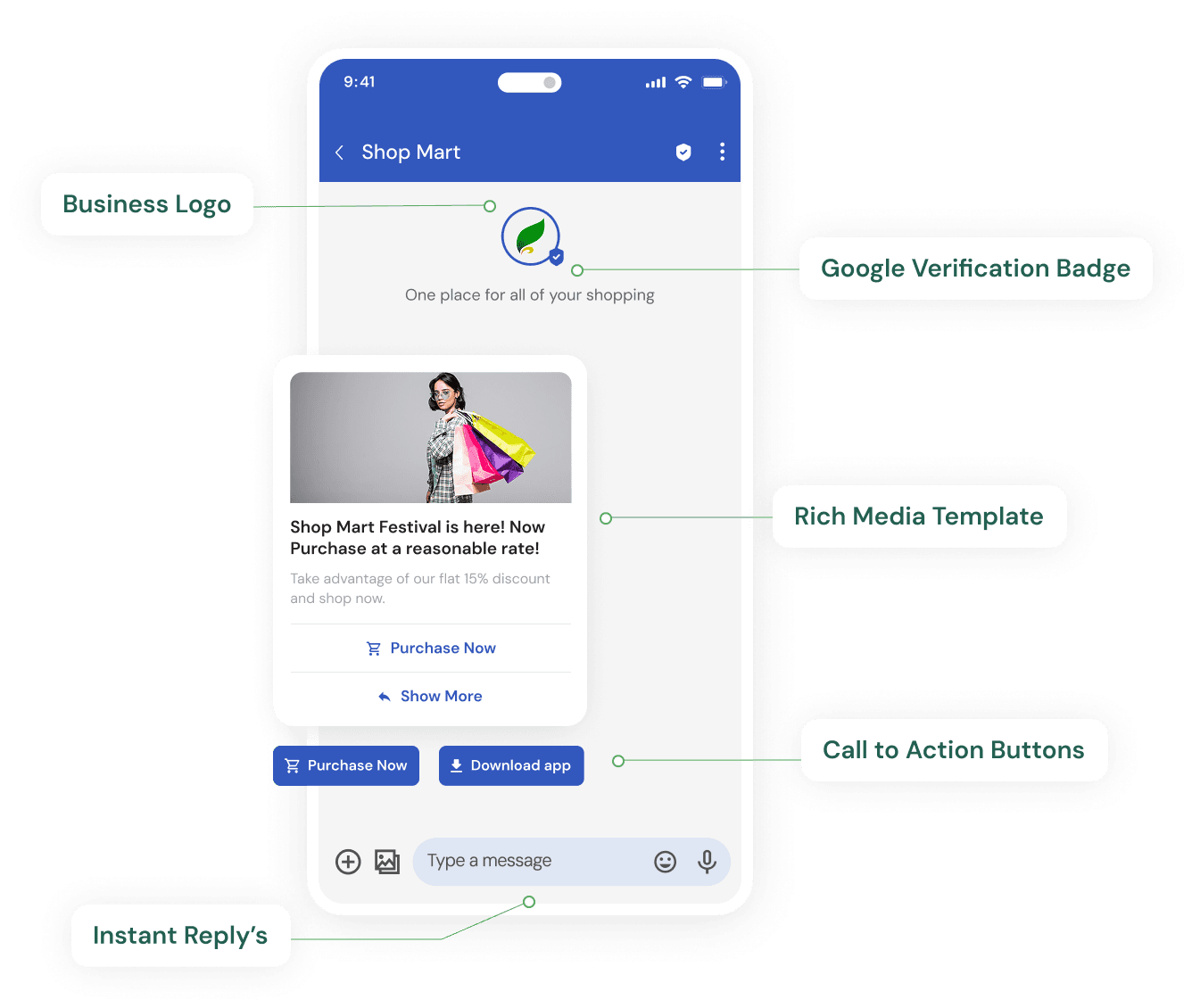
What Is RCS Agent Verification?
Brand verification is Google's process for confirming that an authorized brand representative has verified an RCS agent's information and authorized its use, before that agent can launch and send RCS Business Messages. It's distinct from WhatsApp's Meta-run verification - RCS runs under Google's own RCS Business Messaging framework, reviewed separately.
Information Required For Verification
Business Identity
Legal business name, logo, registered business address.
Business Presence
Business website and contact details that match your submitted identity.
Authorized Contact
An individual brand representative's email (not a distribution list) who can confirm the agent on the brand's behalf.
Brand Description & Category
A description of the business and its industry category for the agent profile.
The Verification & Launch Process
- 1
Submit agent verification information
Enter business identity, presence and brand representative contact details.
- 2
Brand representative confirms authorization
The authorized contact receives and confirms a mandatory authorization request.
- 3
Submit a launch request
Once verification is confirmed, submit the agent for launch on the carriers/markets you need.
- 4
Google/carrier review
Google-managed launches typically take 1-3 business days once brand approval and required assets are provided promptly, per Google’s own documentation.
- 5
Agent goes live
Once approved, the agent can send RCS Business Messages through the API.
The 1-3 business day figure applies specifically to Google-managed launches per Google's documentation - timelines can vary for other carrier arrangements or if required assets aren't provided promptly. Treat it as a typical range, not a guarantee.
Setting Up RCS Business Messaging?
We'll walk you through agent verification and integration once your business details are ready.
RCS Business Messaging Verification FAQs
What is RCS agent verification?
RCS agent verification confirms that an authorized brand representative has verified the agent's information and the sender's right to manage it on the brand's behalf - a required step before an RCS Business Messaging agent can launch.
Is RCS verification the same as WhatsApp Business verification?
No, they're separate processes run by different companies - RCS verification is managed through Google's RCS Business Messaging framework, while WhatsApp verification is managed through Meta. See WhatsApp Business Account Verification for that separate process.
What information is required for RCS brand verification?
Legal business name and logo, registered business address, business website and contact details, a brand description, industry category, and an individual brand representative's email address (not a distribution list) to confirm authorization.
How long does RCS verification take?
Per Google's own documentation, Google-managed launches typically take 1-3 business days once brand approval and all required assets are provided promptly - though this isn't a guaranteed timeline for every carrier or market.
Do I need to verify a new RCS agent for every campaign?
No, brand verification needs to be completed only once per agent - it doesn't need to be repeated for each individual campaign sent through that agent.
Who receives the verification request?
The brand's authorized point of contact receives an email (from Google's RCS support channel) requesting confirmation that the submitting party is permitted to manage the agent on the brand's behalf.
Can I edit verification information after submitting?
You can edit verification information before submitting a launch request, but not after - review submitted details carefully before that step.
Does RCS verification guarantee approval?
No, verification confirms your business identity and authorization, but launch approval is a separate step reviewed by Google and, in some cases, individual carriers - approval isn't automatic or guaranteed.
Is RCS verification required to send any RCS message?
Yes, sending RCS Business Messages requires a verified sending agent - this is separate from whether the recipient's device supports receiving RCS at all, which is a different consideration covered on RCS Coverage in India.
What happens after verification is approved?
Once verified and launched, the agent can send RCS Business Messages through the API - see RCS Business Messaging for what the platform does once you're live.
Can Teleopedia guarantee my RCS verification will be approved?
No, verification and launch approval are reviewed and decided by Google and relevant carriers based on their own criteria - no platform, including Teleopedia, can guarantee approval or bypass that review.

Ready to unify your business communication?
Most businesses are live on their own branded panel within days, not months - talk to our team today and see how fast you can start sending.