

SMS Blast API for High-Volume Business Messaging
An SMS blast API lets your business send and manage high-volume SMS campaigns programmatically - through an API and a centralized campaign workflow - instead of sending messages one at a time or relying on a manual upload each time.
This page covers how large-volume SMS sending actually works: batching, scheduling, personalization, delivery tracking, and the DLT-related requirements that apply to legitimate bulk messaging in India. It isn't a way to bypass consent or carrier filtering - it's the infrastructure for sending real campaigns at scale, compliantly.
On this page:
How SMS blasting works, step by step, through the API
Campaign management, personalization, scheduling and delivery reports
DLT and compliance requirements for legitimate bulk SMS in India
A neutral comparison with WhatsApp and RCS, plus FAQs
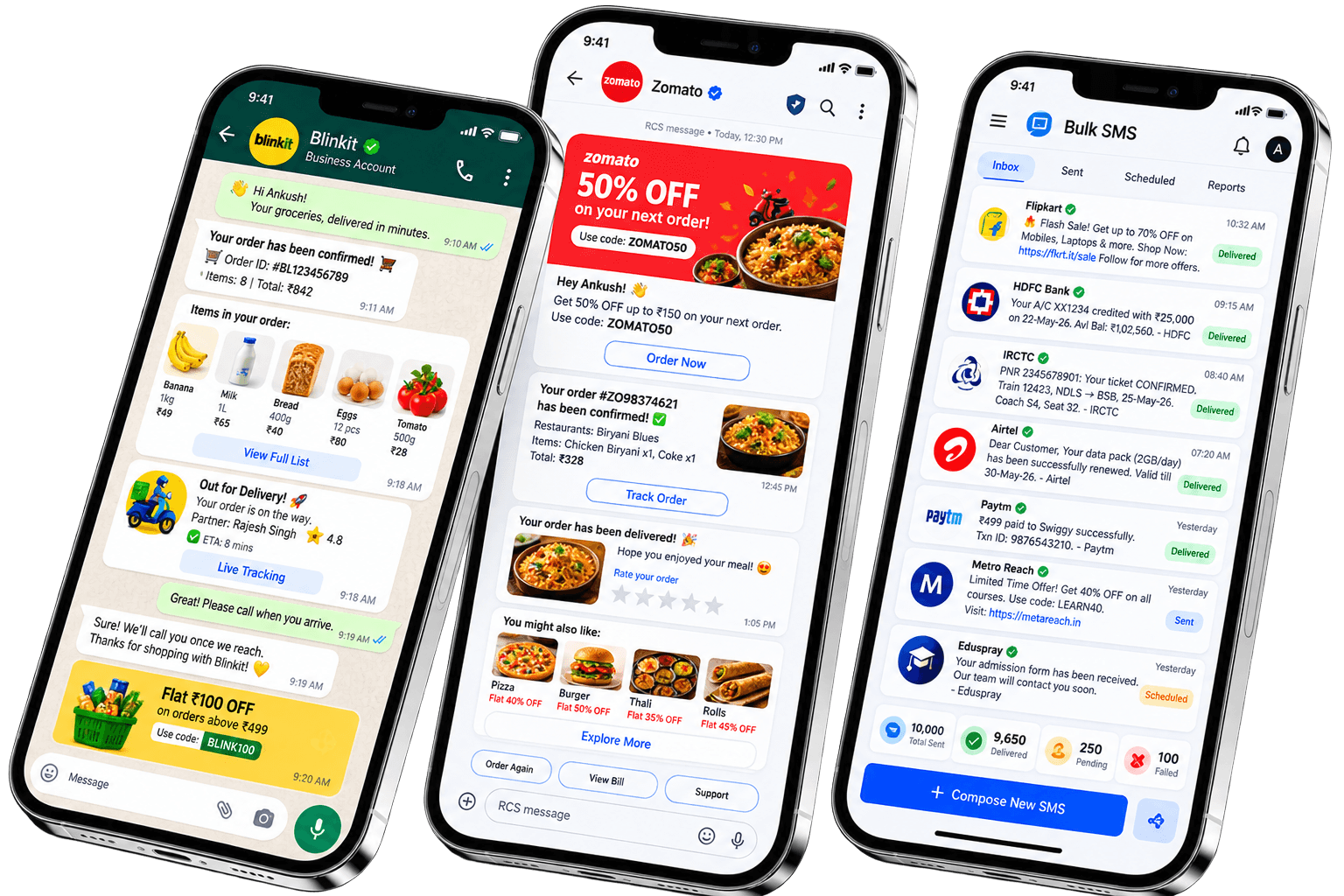
What Is An SMS Blast API?
An SMS blast API is a REST interface that lets software or business systems send large volumes of SMS messages programmatically, rather than a person composing and sending messages one at a time. It handles the parts that matter at scale - queuing, batching, personalization and delivery tracking - so a campaign to a thousand recipients works the same way, technically, as a campaign to ten.
How SMS Blasting Works
A message moves through a consistent pipeline from your campaign to the recipient's phone:
Campaign / ApplicationTeleopedia APIValidation / QueueSMS Gateway
Carrier NetworkRecipientsDelivery Reports
SMS Blast API vs Bulk SMS API
These aren't universally standardized industry terms - different vendors use "SMS blast" and "bulk SMS" differently, and sometimes interchangeably. On Teleopedia, both run on the same underlying SMS API and DLT-compliant sending infrastructure; "SMS blast" here describes using that API specifically for high-volume campaign sending, with the campaign management layer on top.
| Feature | SMS Blast API (Campaign Use) | General SMS API (Single/Triggered Use) |
|---|---|---|
| High-volume campaigns | Purpose-built focus | Supported, but not the primary framing |
| API sending | Yes | Yes |
| Campaign management | Dashboard campaign tools - lists, scheduling, reporting | Often limited to sending, not full campaign workflow |
| Scheduling | Core capability | Varies by provider |
| Batch processing | Core capability | Varies by provider |
| Delivery tracking | Per-message and campaign-level | Per-message |
| Personalization | Template variables across a large list | Template variables |
| Automation | Event-triggered bulk sends | Single or triggered sends |
How To Send An SMS Blast Through An API
Create a campaign in your dashboard or via the API
Prepare your recipient list (upload, import or sync from a CRM)
Validate recipient data (number format, duplicates, opt-out status)
Select an approved sender ID/header
Select an approved DLT template where required
Submit messages to the API
Messages are queued and batched for sending
Monitor sending status from the dashboard or webhook
Process delivery reports as they arrive
Analyze campaign results
Bulk SMS Campaign Management
Beyond just sending, a campaign workflow covers the parts that make large-scale sending manageable:
Recipient Lists & Segmentation
Upload, import or sync lists, and segment by attributes for targeted sends.
Batching
Large lists are processed in batches rather than one giant request.
Retries
Transient failures can be retried without resending to already-delivered numbers.
Status Tracking
Per-message and campaign-level status visible from the dashboard.
Campaign IDs
Each campaign is tracked as a distinct unit for reporting.
Message IDs
Each individual message has its own ID for delivery tracking.
SMS Blast API For India
Sending high-volume SMS to Indian numbers means working within TRAI's regulatory framework, not around it. Legitimate bulk messaging requires:
DLT registration - your business entity registered on TRAI's Distributed Ledger Technology platform.
A registered sender/header - the alphanumeric ID recipients see as the sender.
Approved content templates - the exact wording and variable structure registered in advance.
Recipient consent - promotional content only reaches opted-in numbers.
Correct message classification - transactional and promotional content run on different routes with different rules, including DND and permitted-hours handling for promotional sends.
Teleopedia handles DLT entity and template registration as part of onboarding - see DLT Compliant CPaaS for how that process works in depth.
SMS Blast API Use Cases
Each use case maps to transactional or promotional rules - not every "blast" is a marketing campaign.
Promotional Campaigns
Offers and announcements to opted-in contacts, on the promotional route with DLT-registered templates.
Event Announcements
Launch or event updates to a segmented contact list.
Customer Notifications
Account or service updates sent to your existing customer base.
Ecommerce Campaigns
Sale announcements and cart-recovery nudges to your subscriber list.
Reminders
Appointment, payment or renewal reminders tied to a real event.
Alerts
Time-sensitive account or service alerts.
Logistics
Batch shipment or delivery-window updates across many recipients at once.
Lead Follow-Up
Batch follow-up messages to a list of recent leads or inquiries.
Planning A High-Volume SMS Campaign?
Tell us your expected volume and use case, and we'll walk you through templates, batching and API access.
Personalization
A blast doesn't have to read as generic - variables inside an approved template let each recipient see relevant detail:
Customer name
Order number
Appointment date
Offer code
Personalization works within the structure of the DLT-registered template - the variable positions are approved in advance, so what changes per recipient is the value, not the template's wording or structure.
SMS Blast Scheduling
Campaigns don't have to send the moment you submit them:
Scheduled Campaigns
Set a future date and time for a campaign to go out.
Event-Triggered Sends
A campaign or batch send triggered by an event in your own system.
For promotional content, scheduling also needs to respect TRAI-permitted sending hours regardless of when you queue the campaign - and any recurring or time-zone-specific scheduling should be confirmed with your account team rather than assumed to be available by default.
High-Volume Architecture
Queues
Messages are queued rather than sent one at a time, so a large campaign doesn't overwhelm the sending pipeline.
Batching
Recipients are processed in batches, smoothing throughput across the campaign.
Retry Logic
Transient send failures can be retried without duplicating already-delivered messages.
Idempotency
Using a unique reference per send request helps avoid accidentally sending the same message twice on retry.
Monitoring
Campaign-level dashboards track how a large send is progressing in real time.
Rate limits and concurrency depend on your plan - check your current throughput with your account team before assuming a fixed number for capacity planning.
Delivery Reports
Each message moves through a status lifecycle your dashboard and webhook can track:
Submitted
Accepted by the API for processing.
Queued
Waiting to be sent as part of batch processing.
Sent
Handed off to the carrier network.
Delivered
Confirmed as reaching the recipient’s device.
Failed
Could not be delivered - the report carries a reason.
Rejected
Rejected before sending, e.g. an invalid number or template mismatch.
SMS Blast API Integration
A blast is submitted through the same SMS API used for any other send - an array of recipients against one template, rather than a separate endpoint:
POST /sms/messages
Authorization: Bearer YOUR_API_KEY
Content-Type: application/json

{
  "to": ["+919876543210", "+919812345678", "..."],
  "sender_id": "TLPEDA",
  "dlt_template_id": "1707162XXXXXXXXX",
  "message": "Flat 20% off today only. Shop now: yourbrand.com/sale"
}
Behind that single request: the application submits to the API, the API queues the batch, the provider layer manages sending through the carrier network, and delivery status flows back to your configured webhook - Application → API → Queue → Provider → Delivery Webhook.
SMS Blast vs WhatsApp vs RCS
No channel is universally superior for campaigns - each fits a different part of the job.
| Aspect | SMS Blast | RCS | |
|---|---|---|---|
| Reach | Virtually any active mobile number | Requires the app and opt-in | Depends on device/carrier support |
| Rich media | Plain text | Images, video, buttons | Cards, carousels, buttons |
| API | Yes | Yes | Yes |
| Campaign suitability | High-volume, low-cost-per-message broadcasts | High-engagement, conversational campaigns | Branded, visual campaigns where supported |
| Interactivity | Keyword replies only | Full two-way conversation | Buttons and quick replies |
| Fallback role | Common fallback destination | Usually primary | Primary or first fallback |
| Compliance considerations | DLT template, sender ID, consent for promotional | Template approval, opt-in for marketing | DLT-style template discipline for promotional content |
SMS Blast + Intelligent Fallback
SMS commonly plays the role of a dependable fallback destination in a multi-channel campaign - a business can design routing where a message tries WhatsApp or RCS first and moves to SMS under configured, business-defined rules if those channels don't complete delivery. This isn't automatic for every campaign; it's a routing setup you define per use case. See Omnichannel Messaging Fallback and Omnichannel Messaging Platform for how this routing works in depth.
SMS Blast API FAQs
What is an SMS blast API?
An SMS blast API lets software or business systems send large volumes of SMS messages programmatically to many recipients, rather than composing and sending messages one by one.
Is SMS blast the same as bulk SMS?
Largely yes - the terms overlap and different vendors use them differently. On Teleopedia, both describe the same underlying SMS API and DLT-compliant sending infrastructure; "SMS blast" specifically refers to using it for high-volume campaigns with scheduling, batching and campaign-level reporting.
How does an SMS blast API work?
Your application or campaign tool submits a recipient list and message content to the API, which validates the data, queues and batches the sends, delivers them through the SMS gateway and carrier network, and returns delivery status as reports.
Can I send thousands of SMS through an API?
Yes, that's the core purpose of a blast/bulk sending API - high-volume campaigns are queued and batched rather than sent as individual one-off requests.
How does SMS batching work?
Instead of submitting every recipient as a separate request, a large recipient list is processed in batches, which smooths throughput and makes large campaigns manageable for both your systems and the sending infrastructure.
Can SMS campaigns be scheduled?
Yes, scheduled sending for a future date and time is supported - see the scheduling section on this page for what's available.
Can SMS messages be personalized?
Yes, through template variables - a customer's name, order number, appointment date or offer code can be inserted per recipient, within the structure of an approved DLT template where one is required.
What is DLT?
DLT (Distributed Ledger Technology) is TRAI's registration platform for commercial SMS in India - businesses register an entity and message templates on it, and only registered templates can be sent to Indian numbers.
Do bulk SMS campaigns require templates in India?
Yes. Any commercial SMS sent to an Indian number needs a DLT-registered template matching the approved wording and variable structure, whether it's a single transactional message or a large promotional blast.
What are delivery reports?
Delivery reports show the status of each message as it moves through sending - such as submitted, queued, sent, delivered, failed or rejected - so you know what actually reached recipients, not just what was submitted.
Can SMS blast APIs integrate with a CRM?
Yes, recipient lists and campaign triggers can be connected to a CRM through the API, so a segment or list maintained in your CRM can be used directly for a campaign.
Can I connect an SMS blast API to my website?
Yes, your backend can call the API directly - for example, submitting a campaign when a promotion goes live, or triggering a batch of reminders from a scheduled job.
Can SMS blast campaigns be automated?
Yes, campaigns can be triggered by an event in your system or run on a schedule, rather than requiring someone to manually start each send.
What is the difference between transactional and promotional SMS?
Transactional SMS confirms or informs about something a customer already did, and can be sent any time without opt-in. Promotional SMS is campaign-based, restricted to TRAI-permitted hours, and requires the recipient to have opted in.
Can SMS blast work with WhatsApp or RCS?
Yes, a broader campaign can use WhatsApp or RCS as a primary channel with SMS as part of the mix or as configured fallback - see SMS Blast vs WhatsApp vs RCS on this page.
Does an SMS blast guarantee delivery to every recipient?
No. Delivery depends on factors like number validity, carrier filtering and recipient device status - delivery reports show actual outcomes per message rather than a guaranteed result.
How do I avoid my SMS campaign being flagged as spam?
Use DLT-registered templates that match what you actually send, message only opted-in numbers for promotional content, respect permitted sending hours, and avoid content patterns carriers commonly filter - legitimate, consent-based sending is the goal, not working around these controls.

Ready to unify your business communication?
Most businesses are live on their own branded panel within days, not months - talk to our team today and see how fast you can start sending.