

IVR vs Chatbot: Which Should You Use for Support?
Short answer: An IVR answers phone calls and lets callers choose options with the keypad or their voice, while a chatbot answers written messages on WhatsApp, a website or an app. Use an IVR when customers prefer to call or cannot read easily, and a chatbot when they message and need links, documents or answers they can come back to. Many businesses use both and connect them.
This guide compares the two on how customers use them, what each does well and where each struggles, and shows a simple way to decide. For the products, see the IVR API and the AI chatbot.
Last updated: 15 November 2026.
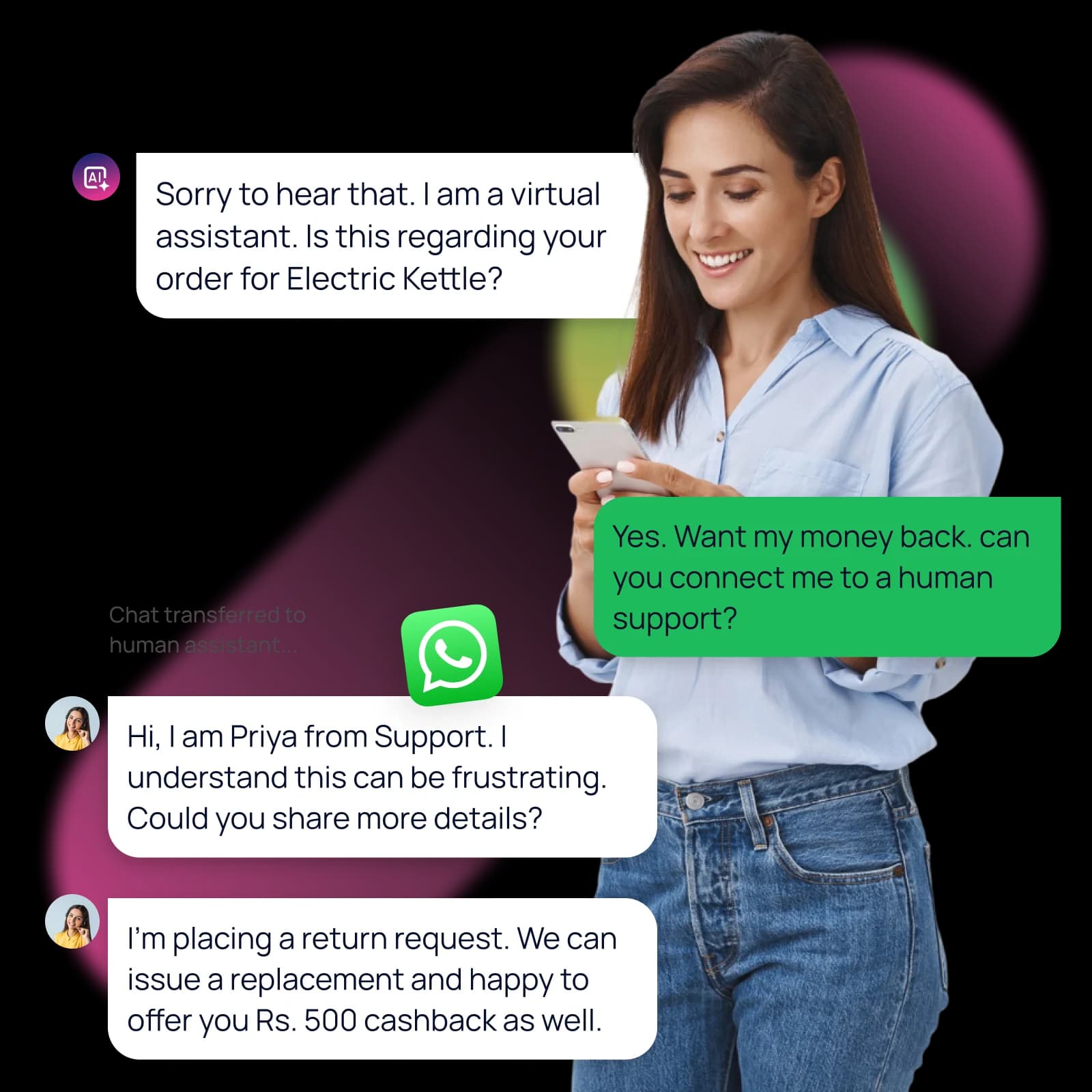
IVR and chatbot side by side
| Compared on | IVR | Chatbot |
|---|---|---|
| Channel | Phone call | WhatsApp, website chat or app |
| How the customer answers | Keypad or spoken words | Typed text, buttons or voice notes |
| Good at | Routing calls, reading a status, confirming by keypress | Answering questions, sharing links, documents and images |
| Weak at | Long information the caller must remember | Customers who do not message or cannot read easily |
| Leaves a record | Call log and what was pressed | A written chat the customer can reread |
| Hands over to a person | Transfer to an agent or a queue | Handoff to a human agent in the same chat |
| Rules to check | DND, calling hours and consent for outbound calls | Opt-in and Meta's template rules for business-initiated messages |
How to decide, in five questions
- How do your customers contact you today? Follow the channel they already use, from your call and chat logs.
- Can they read comfortably? If not, a voice IVR in their language is more inclusive.
- Does the answer need a link, a document or a picture? A chatbot, or an IVR that sends a WhatsApp or SMS message afterwards.
- Is the request urgent? A call is harder to ignore, so use voice for urgent reminders.
- Do customers need a record? A written chat is easier to keep and reread.
Using both together
The two work well side by side. A caller can press a key to get order details on WhatsApp instead of writing them down, and a chatbot can offer a callback when a customer asks for a person.
- An IVR menu ends with "press 1 to get this on WhatsApp", and the platform sends the message.
- A chatbot that cannot answer offers a call, and the request goes to your agents.
- An important reminder goes on WhatsApp first, then SMS, then a call if it was not delivered. See omnichannel fallback routing.
Common mistakes
- Making callers sit through a long menu when most of them want one thing. Put that first.
- Launching a chatbot with no way to reach a person. Always include human handoff.
- Writing the same text for both channels. A spoken script is shorter than a chat message. See IVR script samples.
- Forgetting consent. Outbound calls and business-initiated WhatsApp messages both need it.
Related guides
See IVR call flow examples, IVR pricing in India, the WhatsApp Business API and the voice calling service.
IVR vs chatbot questions
What is the difference between an IVR and a chatbot?
An IVR handles phone calls with keypad or voice input. A chatbot handles written conversations on WhatsApp, the web or an app.
Is a chatbot cheaper than an IVR?
It depends on volume and design. Calls are usually billed by duration, and chat messages by message type, so compare the cost of the same task on each.
Can a chatbot replace an IVR?
Only for customers who message. Many customers still prefer to call, so most businesses keep both.
Can an IVR hand a caller to WhatsApp?
Yes. The IVR can trigger a WhatsApp or SMS message after the call, for example with an order link.
Which is better for appointment reminders?
WhatsApp or SMS for most patients, with a call as a fallback for those who do not respond.
Ready to unify your business communication?
Tell us what you want to send and on which channels, and our team will help you get set up on your own branded panel.